Cursor NavData
The cursor NavData is displayed by default under the "Target" NavData Panel on the right side of the screen. If the cursor NavData is not displayed, click on the "+" button on the top of the NavData panel to add it:
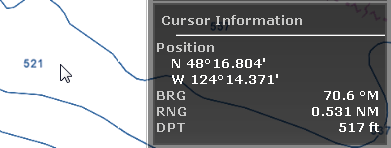
The Cursor NavData is very convenient to get quickly access to cursor position and range and bearing from the reference point.